
ICT Matters for Graduating Students
Graduating Sec 4 students must back up their M365 and iCON data and remove DMA from their PLD laptops before 31st December 2026.
Dear Sec 4 Students,
As you all will be graduating soon, there are a few ICT matters that you need to do.
Backup your student iCON data and M365 OneDrive and Teams data, which MOE will remove on 31st December 2026.
Remove DMA restrictions on your PLD laptop, so that you can use the laptop without any limitations.
Please do so before 31st December 2026, as your student iCON account will be removed after this date.
1. Backing up your M365 and iCON data
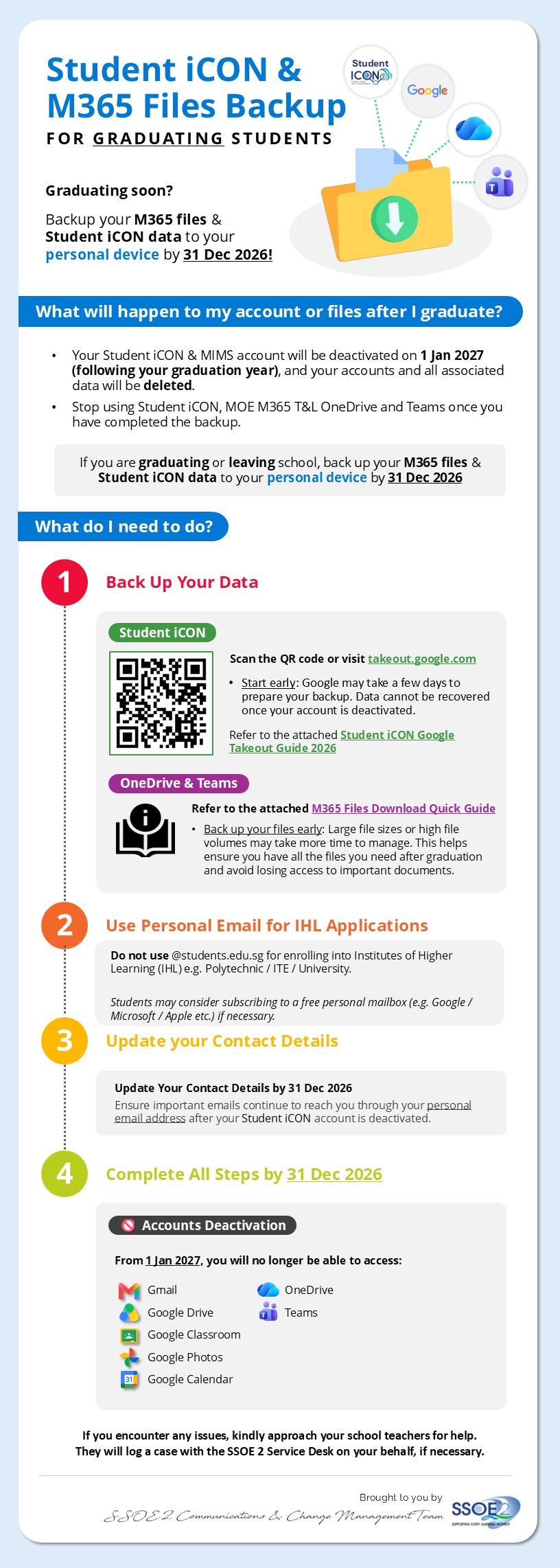
M365 Files Download (OneDrive and Teams)
Click here [PDF, 3.04 MB] (opens in new tab) to view the instructions on how to download your files from OneDrive and Teams.
Student iCON Download (Google Drive)
Click here [PDF, 897.09 KB] (opens in new tab) to view the instructions on how to backup your files from your Student iCON, using Google Takeout.
2. Removing DMA from your laptop
When you graduate from secondary school, the Device Management Application (DMA) on your Personal Learning Device (PLD) will be uninstalled and de-enrolled.
Before the MOE DMA uninstallation (18 October 2026): Please ensure that all data on your PLD and school cloud storage is backed up (e.g. saved on a personal external and/or cloud storage) at least one day before the MOE DMA uninstallation. Data not backed up will not be retrievable in the event of data loss during the DMA uninstallation.
On the day of MOE DMA uninstallation (19 October 2026): Please ensure that the PLD is switched on and connected to the Internet for the entire day. This is to ensure PLD receives the command to completely remove the MOE DMA.
Important: Connect your PLD to a power outlet, or ensure it has at least 50% battery charge, to prevent any issues during the factory reset process.
After the MOE DMA uninstallation (20 October 2026): You may refer to this document [PDF, 553.55 KB] (opens in new tab) on how to perform synchronisation on the PLD, to check if the MOE DMA has been successfully removed from the device, and to create a local administrator account for future use.